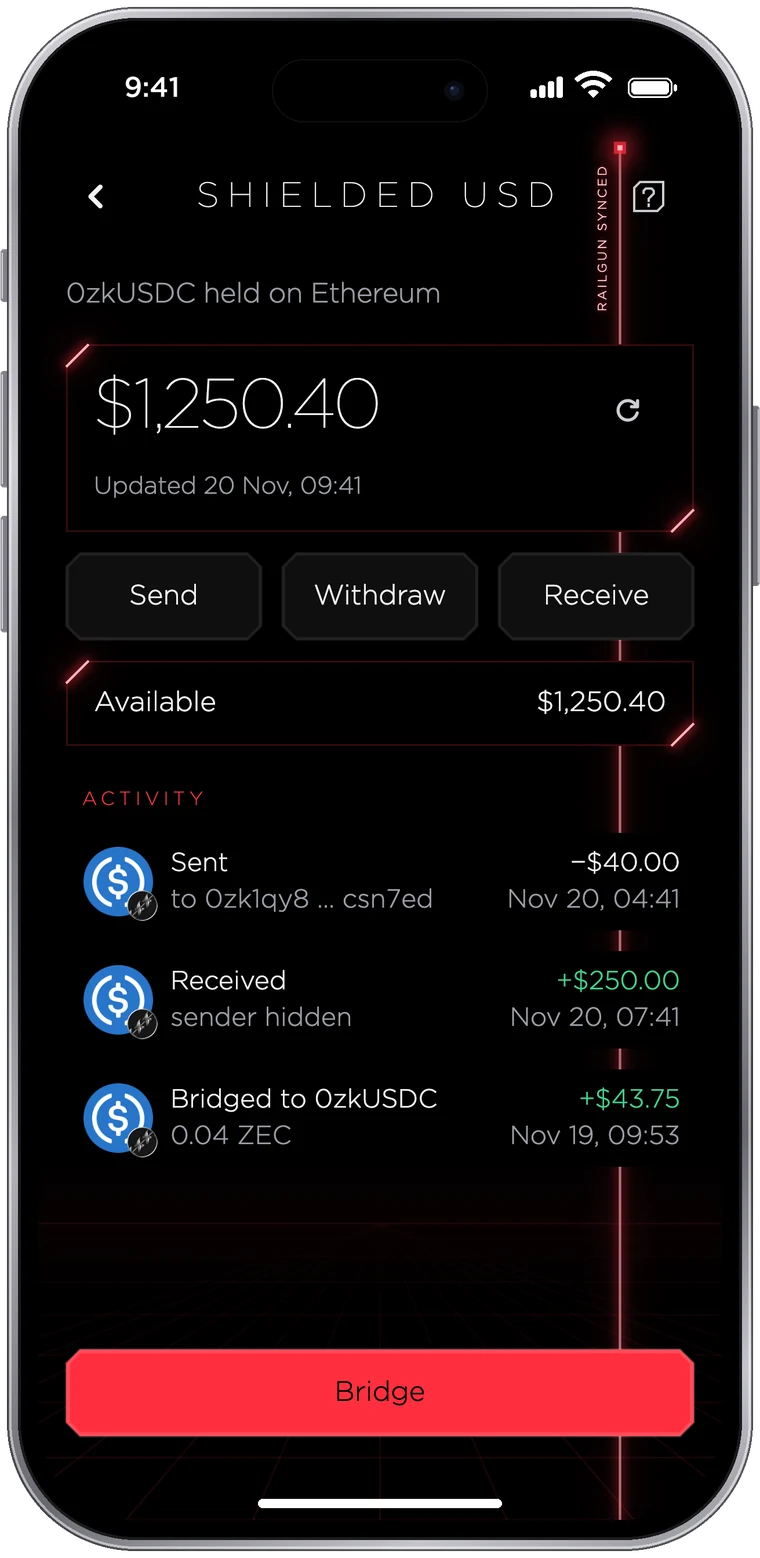
Receive, send and withdraw
The sender’s asset determines which address to share. Both Ethereum receiving options can leave you with the same shielded balance in Veylor.
Choose a receiving address
| What the sender has | What to share | What arrives |
|---|---|---|
| ZEC | Your Zcash receiving address for a shielded payment | ZEC in your Zcash wallet once the payment confirms and the wallet syncs. |
| 0zkUSDC in another Railgun wallet | Choose 0zkUSDC under Receive and share your 0zk address. |
A private USDC transfer within Railgun. |
| Regular USDC on Ethereum | Choose USDC under Receive and share the displayed Ethereum 0x deposit address. |
A public deposit first. Veylor then shields eligible funds into your 0zkUSDC balance. |
For a public USDC deposit, select Ethereum on the sending wallet or exchange. Check the minimum and fee shown in Veylor, then keep Veylor open and unlocked while it shields the deposit. The deposit address rotates after use. Get the current address from Receive for your next payment. Receiving USDC in Veylor
Pay another Railgun wallet
Choose Send from your 0zkUSDC balance, enter the recipient’s 0zk address, then review the amount and fee. The payment stays inside Railgun. A newly shielded deposit may need time to clear Railgun’s checks before it can be spent.
Withdraw regular USDC
Choose Withdraw, enter the recipient’s Ethereum 0x address, and review the amount, network and fees. The recipient receives regular USDC. Its address and the withdrawn amount are visible on Ethereum. Withdrawing uses your Ethereum-side balance. To receive ZEC in your Zcash wallet, use a reverse swap.